
Share the chatbot with a link or QR code
No website? Share your AI chatbot with a link to a dedicated chat page or a QR code to print.
2 min readYour chatbot doesn't need a website to be useful. It has its own chat page, which you can share with a link or a QR code: in an email, on social media, on a poster, a menu or a business card.
Before you start
Your chatbot must be live: in the Deploy tab, click Deploy. While it is offline, the chat page shows a message saying the assistant is unavailable.
Share the link
In the Deploy tab, open Link.
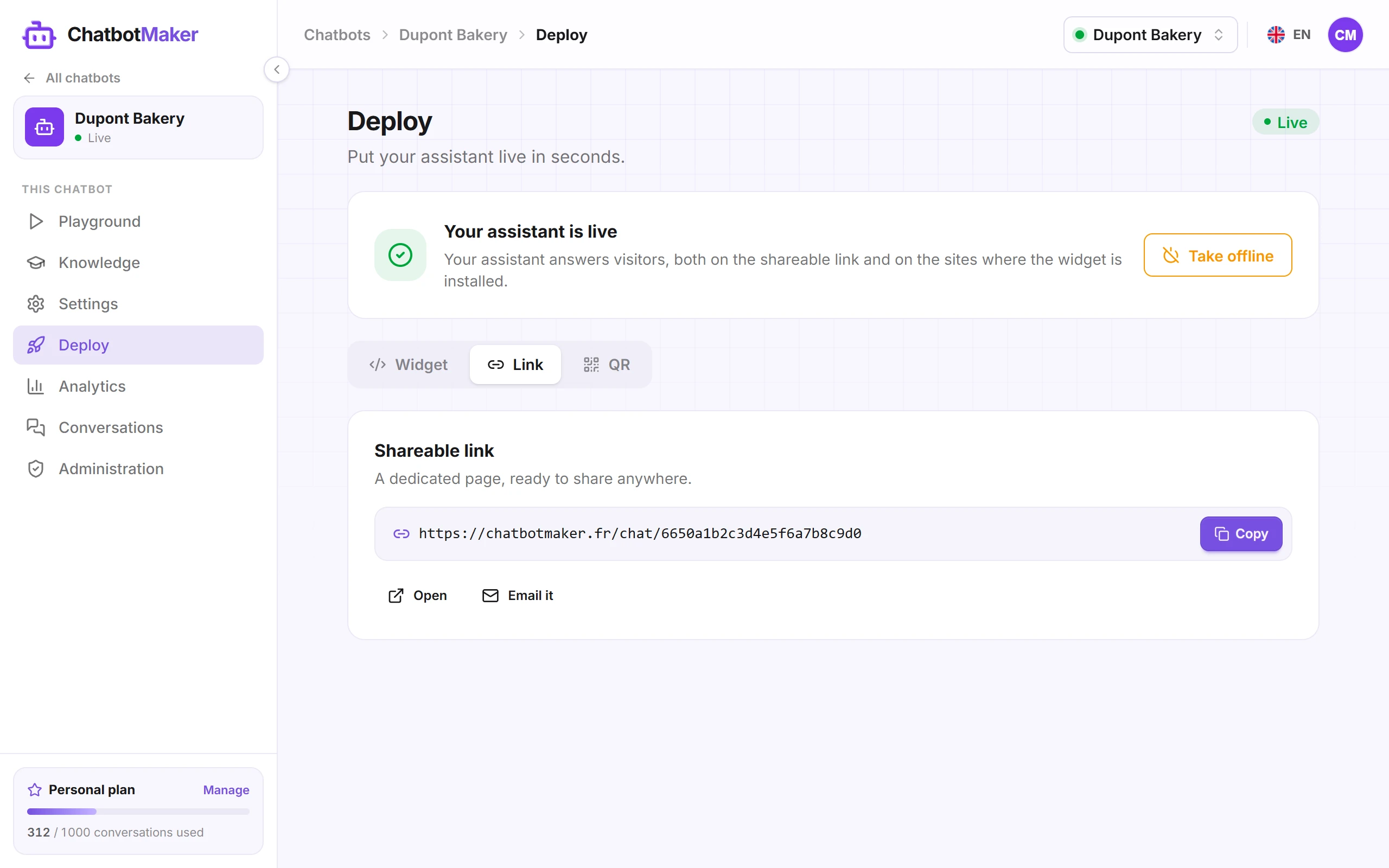
- Copy copies the page's address, to paste wherever you like: email signature, Instagram bio, WhatsApp message, Facebook page…
- Open shows the page in a new tab, so you see what your visitors will see.
- Email it opens your email app with a ready-to-send email containing the link.
The page uses the name, avatar, color and welcome message chosen in Settings.
Download the QR code
Open QR. Your visitors scan the code with their phone's camera and land straight on the chat page.
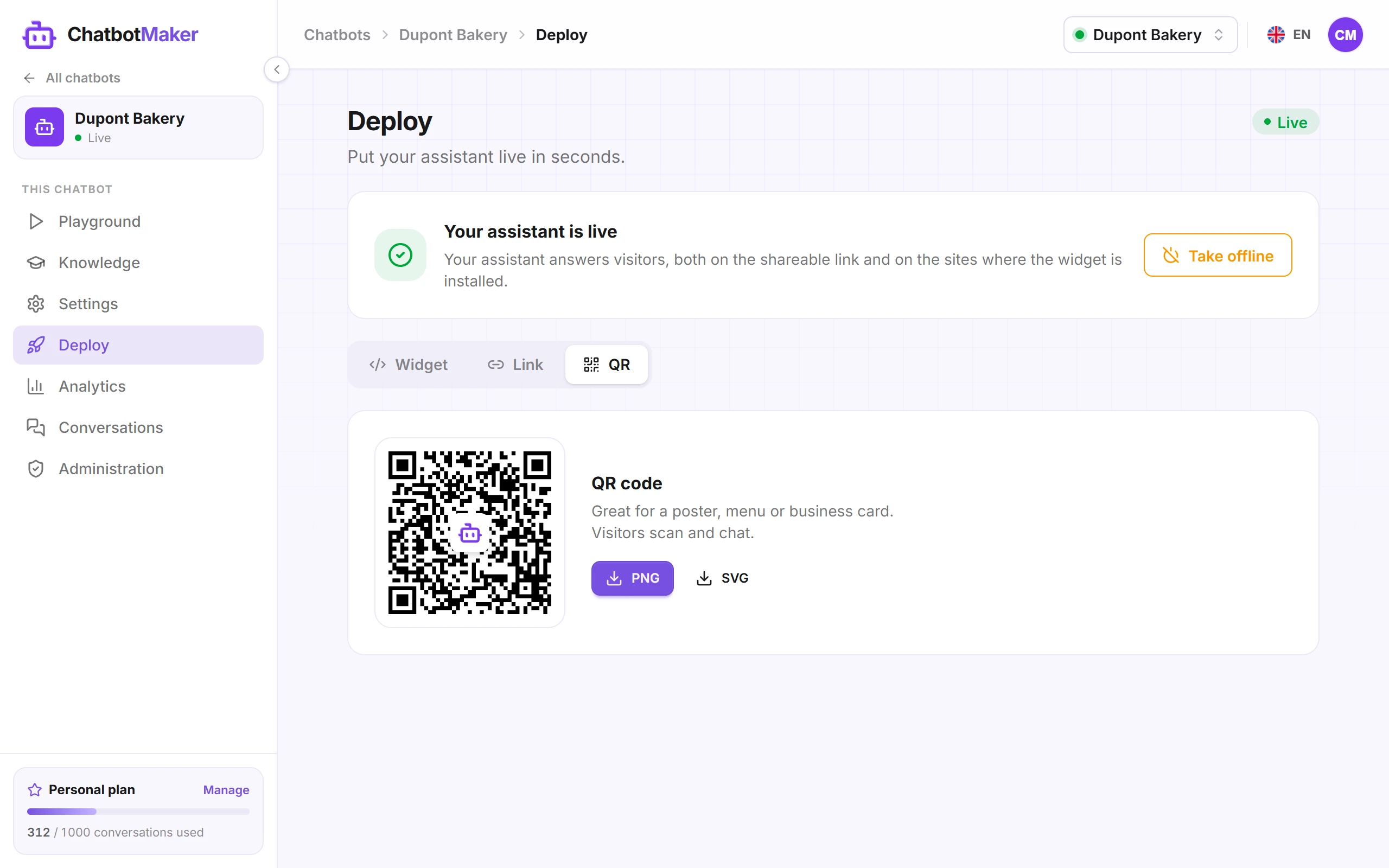
- PNG: a 300 × 300 pixel image with the ChatbotMaker logo in the middle, handy for a post or a screen.
- SVG: a vector image, sharp at any size. Pick it for print (poster, flyer, shop window).
Tip: always pair the QR code with a call to action, such as "A question? Scan to chat with our assistant". A QR code on its own rarely gets scanned.
Good to know
- The link and QR code never change. You can edit the chatbot's knowledge, instructions or look without reprinting anything.
- They work even if the widget is restricted to your sites under Allowed sites.
- To pause them, click Take offline in the Deploy tab. They work again as soon as you click Deploy.
- Each visitor gets their own conversation, just like on the widget, and each conversation counts toward your quota.
Also have a website? See Install the widget on your website.